

LinkedIn Ads HubSpot Integration: Which Lifecycle Stage to Send
Send SQL, Opportunity and Customer for reporting, but let each campaign learn from the deepest HubSpot stage that clears about 50 events a month, usually Lead or a tight MQL.
Six HubSpot lifecycle stages, six LinkedIn conversions, one campaign. Subscriber, Lead, MQL, SQL, Opportunity, Customer: each one set up as an event, each one counted in Campaign Manager, and the campaign told to chase Lead because Lead is the only one with any volume. That is the most common way a LinkedIn Ads HubSpot integration goes wrong. Every stage change is sent. The campaign learns from the cheapest, most frequent one. The deeper stages sit in a report nobody bids on.
The wiring works. The choice of what to learn from is the problem. This post walks the choice stage by stage, with the arithmetic that decides it.
The integration can deliver a lifecycle stage. It cannot make that stage true.
What a LinkedIn Ads HubSpot integration actually sends
The native path sends contact lifecycle stage changes. HubSpot’s guide to LinkedIn ad conversion events, checked September 26, 2026, sets it up this way: you pick a lifecycle stage, and HubSpot ties that stage to a LinkedIn conversion type. When a contact moves into the stage, the event goes to LinkedIn.
Two limits follow from that, and both catch people out.
First, it tracks contacts, not deals. A contact turning SQL and a deal moving to proposal are changes on two different records. If what you want is the value of each won deal, you need a separate plan for how the deal reaches LinkedIn. The contact stage alone will not carry it.
Second, Customer fires once. A customer who buys again does not become a Customer for the first time again, so the second deal sends nothing. Renewals and upsells are invisible on this path.
Write the record and the field beside every signal you plan to send. “Contact / Lifecycle stage / SQL” tells you what the event measures. “Pipeline conversion” tells you nothing. The LinkedIn Conversions API guide covers where these events land and how LinkedIn matches them. This post is about which ones deserve to be sent.
Which stage the campaign should learn from
A LinkedIn campaign needs roughly 50 conversion events a month on the event it chases before delivery settles. Below that, it never stops guessing. The learning phase arithmetic covers why the count is per campaign and not per account. Here it decides which stage you can afford to learn from.
Take one campaign on $5,000 a month at a $100 cost per lead. That buys 50 leads. Now run them down a funnel. Say 50% become MQLs, 40% of those become SQLs, 50% of those become opportunities, and 25% of those close. These rates are made up to show the shape, not taken from any account:
| HubSpot stage | Events a month | Send it? | Why |
|---|---|---|---|
| Subscriber | high | No | A newsletter sign-up. It teaches the campaign to find readers. |
| Lead | 50 | Report, or learn if nothing deeper clears 50 | Enough volume, but it counts every form fill as a win. |
| MQL | 25 | Learn, once the rule is tight and volume allows | Best middle ground if the MQL rule means fit, not any download. |
| SQL | 10 | Report | Too rare to learn from at this budget. Worth seeing as cost per SQL. |
| Opportunity | 5 | Report | Starves any campaign that chases it. Shows which ads make pipeline. |
| Customer | 1 | Report | Fires once per contact. A second deal does not fire it again. |
Only Lead clears 50. MQL gets 25. SQL gets 10. Opportunity gets 5. Customer gets about one. For SQL to reach 50 in 30 days, that campaign would need 250 leads, or $25,000 a month on its own. At 10 SQLs a month, it would take 5 months to see 50. That is the hard truth about deep-stage bidding. The stage you care most about is the one the budget can least afford to learn from.
So the rule is short. Learn from the deepest stage that clears about 50 events per campaign per month. Send the deeper ones for reporting. Too rare, and the campaign starves. Too common, and it learns to find people who fill in forms.
At the $8,000 monthly spend floor, that usually means Lead or MQL, and the real lever is how tight the MQL rule is. An MQL that means “fits the account list and asked for a demo” teaches far more than an MQL that means “downloaded a PDF”. Same volume, better lesson.
Which stages to send only for reporting
Sending a stage and bidding on it are two separate choices. Send SQL, Opportunity and Customer so Campaign Manager can show cost per SQL and cost per opportunity by campaign. That is the number that ends a debate about which ad works. Just keep them out of the bid until the volume is there.
Leave Subscriber out. A newsletter sign-up is not a buying signal, and it is the stage most likely to be moved in bulk by an import or a list cleanup.
Check who can change each stage. If a workflow, an import and a salesperson can all move a contact to SQL, each path needs a written rule. Picture a bulk cleanup that moves 400 old contacts to MQL in one afternoon sends 400 events that no ad produced. The campaign learns from them anyway.
When the counts in LinkedIn and HubSpot disagree, and they will, the reporting gaps between LinkedIn Ads and HubSpot are usually timing, matching and scope, not a broken connector.
Setting up the LinkedIn Ads HubSpot integration event by event
The native setup takes five steps per event:
- In HubSpot, go to Marketing → Ads → Create event.
- Pick LinkedIn and the ad account.
- Pick the lifecycle stage from your written stage rules.
- Set an event value and name the event after the outcome.
- Open the new rule in Campaign Manager and read what HubSpot mapped.
If your portal runs HubSpot’s newer conversion events screen, the buttons sit in a different place. HubSpot lists this for Marketing Hub Starter, Professional and Enterprise, and the number of events you can create depends on the plan. Check yours before you plan six.
HubSpot links the stage to a matching LinkedIn conversion type on its own. You can change that type in LinkedIn afterwards. So open the rule in Campaign Manager and read it. The automatic match is a guess about what you meant.
Name each event for what it means: “SQL – sales accepted”, not “HubSpot event 3”.
Treat the event value as an estimate. A fixed $500 on an SQL is a number you typed, not an invoice. Write down how you got it. Never add the stage values together as if they were five sales; one contact moving from Lead to Customer would count five times.
Whose data the integration can share
HubSpot gives you two scopes. Send every contact that moves to the chosen stages, or only the ones who have interacted with your LinkedIn ads. These are different groups. Pick one on purpose and write it down. The wider scope gives more events, which is not a reason on its own to pick it. Check it against your privacy terms and what you told contacts.
HubSpot also lets you map a consent property and pick which identifiers to send. Email addresses are hashed with SHA256 before they leave. Hashed data is still personal data, so the same rules apply.
Answer these before you switch it on:
- Which property says a contact can be shared?
- What happens when that property is blank, or withdrawn later?
- Which identifiers do you have, and which do you need?
- Who can change these settings?
LinkedIn’s Conversions API documentation, checked September 26, 2026, says more identifiers improve the match, and that only matched events count for attribution and for bidding. An event that does not match is an event the campaign never sees. That is a reason to send the identifiers you already hold properly. It is not a licence to collect more.
Event age versus the attribution window
Three clocks run here. When you created the event in HubSpot. When the contact changed stage. When that contact clicked or saw the ad.
HubSpot counts only stage changes that happen after you create the event. Build an SQL event today and last quarter’s SQLs stay in HubSpot. There is no replay.
LinkedIn takes in events from the last 90 days. The attribution window is a separate limit: it decides how far back from the stage change LinkedIn will look for an ad click or view. A stage change can be new enough to send and still too far from the ad to be credited. A longer window does not make an old event eligible to send.
Some conversion types allow a longer lookback, and HubSpot notes you set that in Campaign Manager, not in HubSpot. Read the window on each rule. One setting does not cover them all.
Never reset lifecycle stages to force old events through. It rewrites CRM history and can fire unrelated workflows. If you need history in LinkedIn, build it as its own import with the real timestamps.
Test the LinkedIn Ads HubSpot integration before you trust it
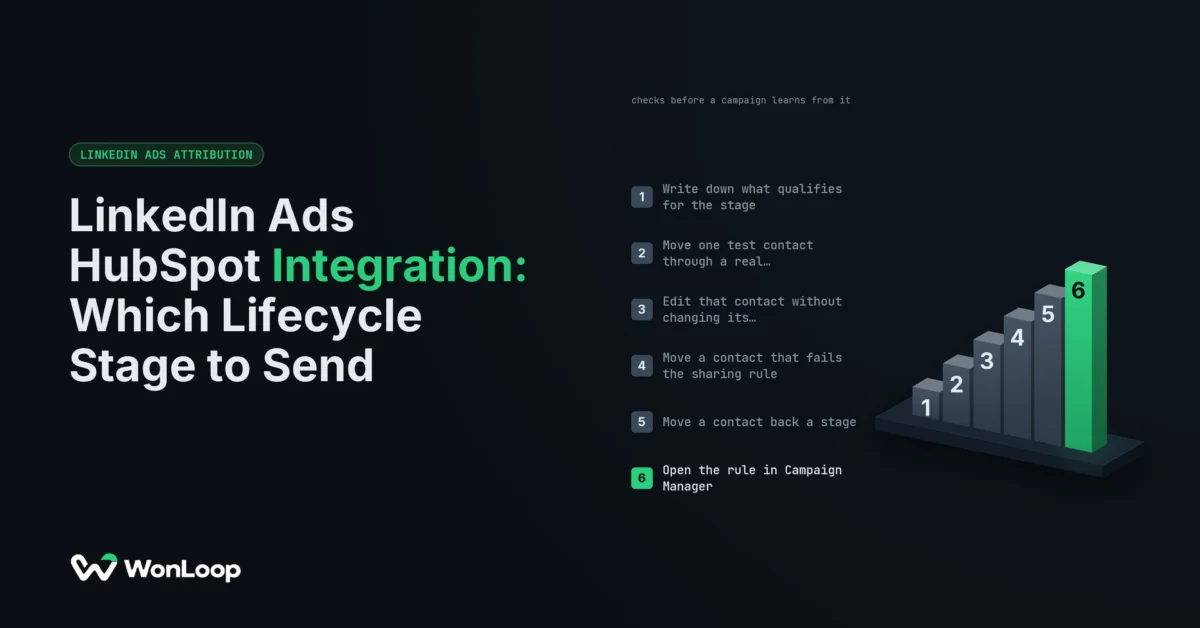
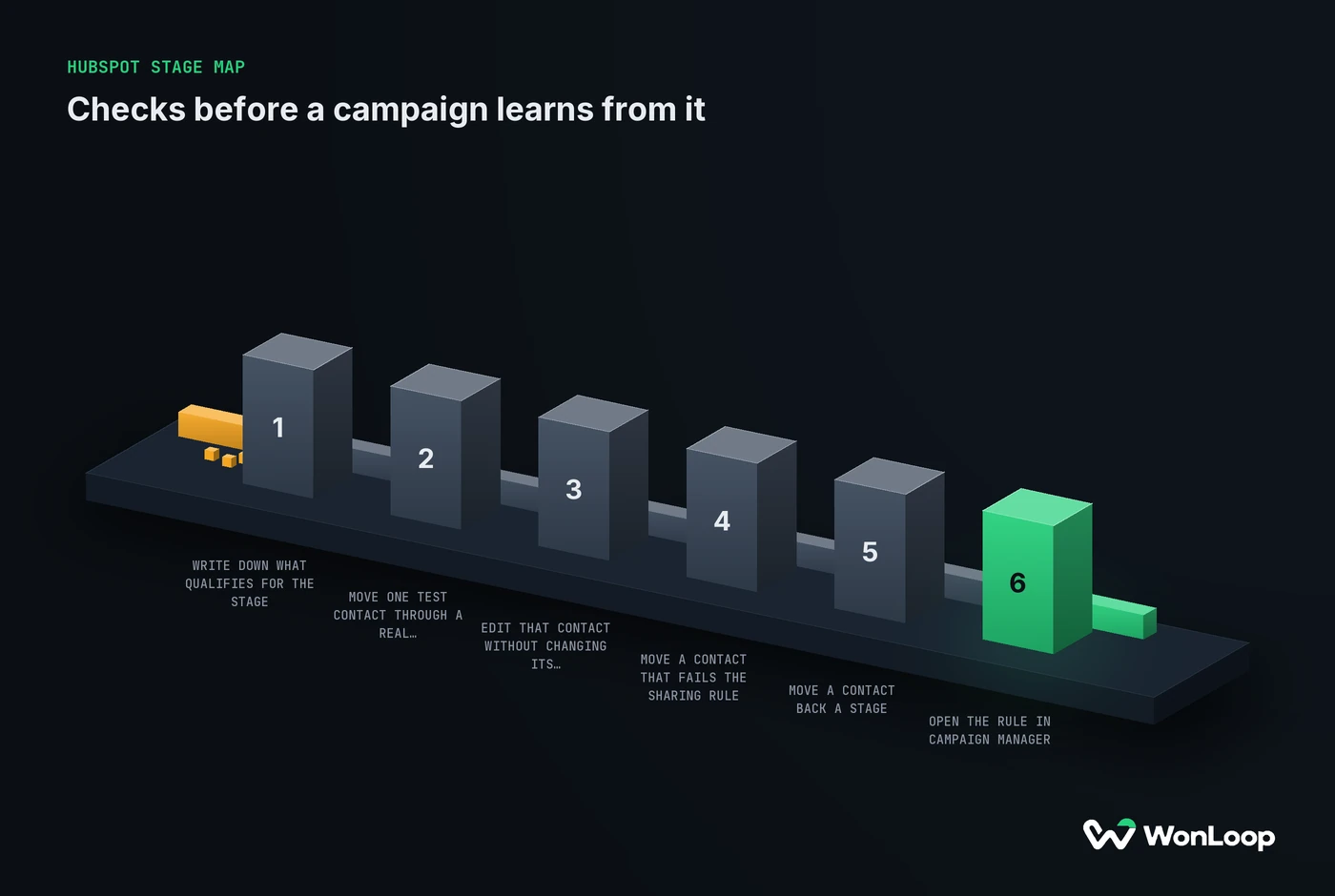
A single happy-path test proves little. Routine CRM edits can create the same signal, so test the cases that should send nothing too. Write down what you expect before you touch a record, and use test contacts:
HUBSPOT STAGE MAP
checks before a campaign learns from it
6 steps
Write down what qualifies for the stage.
Name the owner and the record that proves it.
Move one test contact through a real stage change.
The event in HubSpot should show the change after the next sync.
Edit that contact without changing its stage.
Nothing new should reach LinkedIn.
Move a contact that fails the sharing rule.
It should stay out of LinkedIn.
Move a contact back a stage, then forward again.
Write down whether the event fires twice.
Open the rule in Campaign Manager.
The type, value and window should match what the stage means.
Step 5 matters. Whether the connector counts a second entry into the same stage is not something to assume. Watch what it does, then decide if that fits your definition.
A new LinkedIn conversion shows as Unverified until data syncs, then turns Active. Active means data arrived. It does not mean each contact matched, got credited to an ad, or was a real buyer.
There is also a gap in what you can see. HubSpot’s guide says support cannot pull event sync logs unless the event has an error. So this screen will not give you a per-contact delivery audit. Keep your own record of the stage changes and mark what you could not confirm.
After launch, keep the stage rule, sharing scope, LinkedIn rule, value basis and test results in one place, with one owner. A new sales process or a new import can change what a stage means without anyone opening LinkedIn. Take care with HubSpot’s Replace event action: it deletes the existing lifecycle stage event as part of the swap. Save the old settings first.
The bottom line
A LinkedIn Ads HubSpot integration should send more stages than the campaign learns from. Bid on the deepest stage that clears about 50 events per campaign per month, which at most budgets is Lead or a tight MQL. Send SQL, Opportunity and Customer for reporting. Leave Subscriber out. Then test the changes that should send nothing, and read every rule in Campaign Manager rather than trusting the automatic match.
Write the stage rules first, then wire them. LinkedIn Signal Repair is a fixed 14-day engagement that does this work: the stage map, the sharing scope, the Conversions API wiring and the tests, so the campaign learns from a signal you can defend.