

LinkedIn Ads Salesforce Integration: Where Opportunity Events Break
Fire on the stage change, not the stage. Build each event once, reuse its ID on retries, hold deals with no contact role, and keep reopens and imports out.
A rep opens a won deal in Salesforce, fixes a typo in the Amount field, and hits Save. StageName still says Closed Won. IsWon is still true. If your record-triggered flow fires on every update where IsWon is true, LinkedIn just got a second purchase for the same deal. That is one of five ways a LinkedIn Ads Salesforce integration inflates its own numbers, and none of them show up in a demo.
Each section below takes one failure, what LinkedIn receives, and the rule that stops it. The rules are ours. Where a behaviour comes from Salesforce or LinkedIn docs, we link it.
A record update is a database operation. A conversion is a business event.
What a LinkedIn Ads Salesforce integration should fire on
Salesforce gives you the trigger. The LinkedIn Ads Salesforce integration still needs a rule. Its record-triggered flow guide lists four starts: a record is created, updated, created or updated, or deleted. It also splits fast field updates that run before the save from actions that run after it. That is plumbing. None of it knows what a sale is.
So write the rule first, in one sentence per event. Two events cover most B2B pipelines:
Qualified opportunity: send once, when a deal first enters the stage your sales team treats as qualified: real need, fit on size, a named buyer.
Closed-won: send once, when IsWon flips from false to true.
Both match what LinkedIn built the offline side of the API for. The docs name “qualified leads, sales opportunities, purchases, and closed deals” as the event types it expects from a CRM. The qualified event matters because of volume. A campaign needs roughly 50 events a month to get through the LinkedIn learning phase. On a sales cycle of 60 days, one campaign will not close 50 deals a month. Opportunities come sooner and in bigger numbers.
In Flow, the setting that does the work sits under the entry conditions. Pick Only when a record is updated to meet the condition requirements. A flow set that way runs when StageName moves into Closed Won, and stays quiet on every later save. For stricter checks, compare fields on $Record__Prior against $Record. That compare is the difference between a state and a change.
The HubSpot side has the same trap in a different shape. Our post on mapping HubSpot lifecycle stages to LinkedIn conversions covers it. Here is the Salesforce version, one scenario per row:
| What happens in Salesforce | What a naive flow sends LinkedIn | Our rule |
|---|---|---|
| Rep edits Amount on a qualified deal | A second qualified-opportunity event | Fire on stage entry only. Compare the prior value. |
| Sync times out and retries | A second copy, often with a new event ID | Build the event once. Reuse its ID and time on every retry. |
| Deal has no contact role | An event with no user identifier, which fails | Hold it in a queue with a named owner. |
| Won, reopened, won again | A second closed-won event for one sale | A fix sends nothing. A new sale gets a new opportunity. |
| Old deals imported as Closed Won | A burst of wins dated today, or rejects past 90 days | Tag the import. Send only real win dates inside 90 days. |
The right column is our proposed policy. Neither platform enforces it for you.
A rep edits Amount on an already-qualified deal
This is the scenario from the top, one stage earlier. A deal enters Qualification on Monday. On Wednesday the rep bumps Amount from $30,000 to $45,000 after a call. On Friday a manager changes the owner. A flow set to run on every update where StageName equals Qualification fires three times. LinkedIn sees three qualified opportunities from one deal.
Work the arithmetic on closed-won and it gets worse. Say a $40,000 deal takes four admin edits after it wins: a fixed CloseDate, a split owner, a new Amount, a cleanup of the Next Step field. Five saves, five purchase events, $200,000 of reported revenue from a $40,000 sale. Those figures are illustrative arithmetic, not a client result.
The rule: fire on entry, never on state. Check that the prior StageName was outside the target stage and the new one is inside it. Then write a flag or a timestamp to the record, such as a custom LinkedIn_Qualified_Sent__c date field. If the flag is set, the flow exits. Two locks beat one, because someone will edit the entry condition one day.
The sync retries after a timeout
A deal wins at 14:02. The flow hands the event to your connector. LinkedIn’s endpoint times out, the connector waits, and it tries again 5 minutes later. If the code builds a fresh payload on each try, the second request carries a new event ID and a new timestamp. It looks like a second sale because, as far as LinkedIn can tell, it is one.
Batches make it worse. A batch call takes up to 5,000 events, and one bad record fails all of them. The retry resends every good event too. If each got a new ID on the way, each is now a duplicate.
The rule: separate the event from the delivery attempt. Build the event once, at the moment the flow detects the change. Give it a key built from the opportunity ID, the milestone and a count of how many times that milestone has fired. Store it with conversionHappenedAt set to the time of the stage change. Every retry sends that same stored row. You choose the format. It has to stay fixed across retries and change for a truly new outcome.
A shared eventId helps, but read the docs for what it covers. LinkedIn’s deduplication page handles one case: an Insight Tag event and a Conversions API event with the same ID. LinkedIn keeps the tag event and drops the API one. That is a browser-versus-server rule. It says nothing firm about two server calls, so keep your own ledger and stop duplicates before they leave Salesforce. When events still vanish or double, our Conversions API troubleshooting guide walks the error codes.
One more build note. Flows that run before the save can only update fields on the record. They cannot call LinkedIn. Put the callout on an after-save path, such as the asynchronous path, or hand the event to a connector that already handles auth and retries. Test the path you chose under a timeout, not only on a clean run.
The deal has no contact role
An opportunity ID tells you which Salesforce record changed. It tells LinkedIn nothing. The Conversions API needs at least one user identifier per event: a SHA256-hashed email, the li_fat_id first-party cookie, a first and last name, and a few others. The Conversions API docs say to send several where you have them, because “only matched events can be used for attribution and optimization.” An event nobody can match is an event that does nothing.
In Salesforce, the person usually lives in OpportunityContactRole. Plenty of orgs leave it empty. A rep converts a lead, the contact lands on the account, and nobody adds a role to the deal. Check your own numbers: run a report on won deals with and without contact roles before you build anything.
The rules we propose, in order:
- Use the contact role marked IsPrimary. If none is primary, pick by a written order, such as Decision Maker first.
- With no role at all, hold the event in a queue with a named owner. Do not fall back to a random contact on the account.
- Send one event per deal, not one per person on the buying committee. Six contacts on one sale is still one sale.
- Hash the email before it leaves Salesforce, and keep raw emails out of your delivery logs. Hashing does not remove your privacy duties. Check that you are allowed to share each identifier before you send it.
That queue is also the best CRM hygiene report you will get. Every row is a deal your sales team cannot tie to a person, and every one is a hole in your LinkedIn Ads Salesforce integration.
Closed Won, reopened, and won again
A deal closes won in March. In April finance finds the signed order form was for a different entity, so ops sets the deal back to Negotiation. In May it wins again. A flow that fires on “IsWon changed to true” has now sent two purchases, 60 days apart. The entry rule did its job. There was still only one sale.
Reopening means two different things, and the stage history cannot tell them apart:
- A correction. The first win was wrong. The deal was never closed. The second win is the real one.
- A new sale on an old record. Some teams reuse an opportunity for an add-on or a renewal. The second win is new money.
The rule: decide this with sales ops before the event goes live, and write it down. Our default is simple. A reopened deal that wins again sends nothing new. New money gets a new opportunity with its own Type, such as Renewal or Expansion, and that record gets its own event. The integration never has to guess from a stage name.
The first, wrong win is already in LinkedIn. Check what your delivery route supports for fixing it before you improvise. Sending a negative value or deleting the conversion rule is not a documented fix. If no fix exists, log the known error next to your reporting so nobody reads that month at face value.
A historical import lands as Closed Won
Someone loads 400 old deals from a spreadsheet during a CRM cleanup. Each one is created already Closed Won. A flow set to run on create or update fires 400 times in an afternoon. Two things go wrong at once.
First, the dates. LinkedIn requires conversionHappenedAt and rejects events more than 90 days old. If your flow stamps each event with the time it ran, all 400 look like wins from today. If it uses the real CloseDate, most are older than 90 days and bounce. Neither result is true.
Second, LastModifiedDate moves on every save, so it is not a win date. Reps edit CloseDate after the fact too. Stamp your own field when the flow sees IsWon flip, and send that.
The rule: treat a record created already won as a migration, not a sale. Tag imports with a source field and skip them in the live flow. If you want recent history in LinkedIn, backfill only deals whose real win date falls inside the 90-day window, with that real date. Pick the value field on purpose too. Amount, ExpectedRevenue and booked revenue are different numbers. Send one, in one currency, and never add the qualified value to the won value and call the total revenue.
The mechanics on the LinkedIn side, from conversion rules to payload fields, are in our LinkedIn Conversions API guide. Salesforce still owns the meaning and the timing of the event.
Testing a LinkedIn Ads Salesforce integration before it goes live
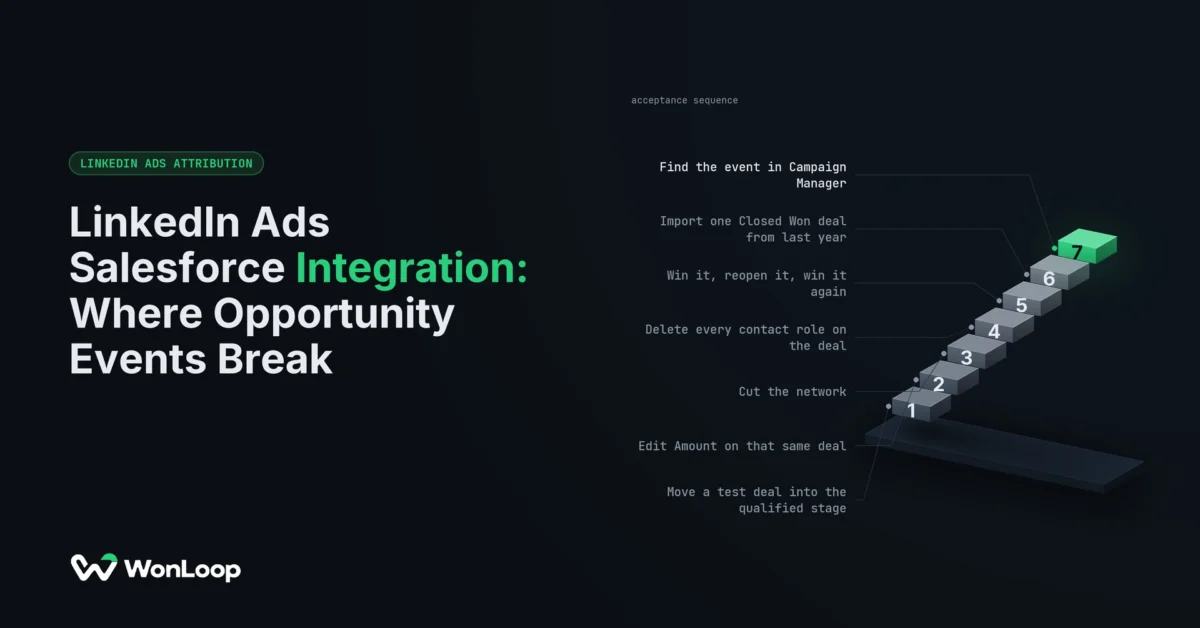
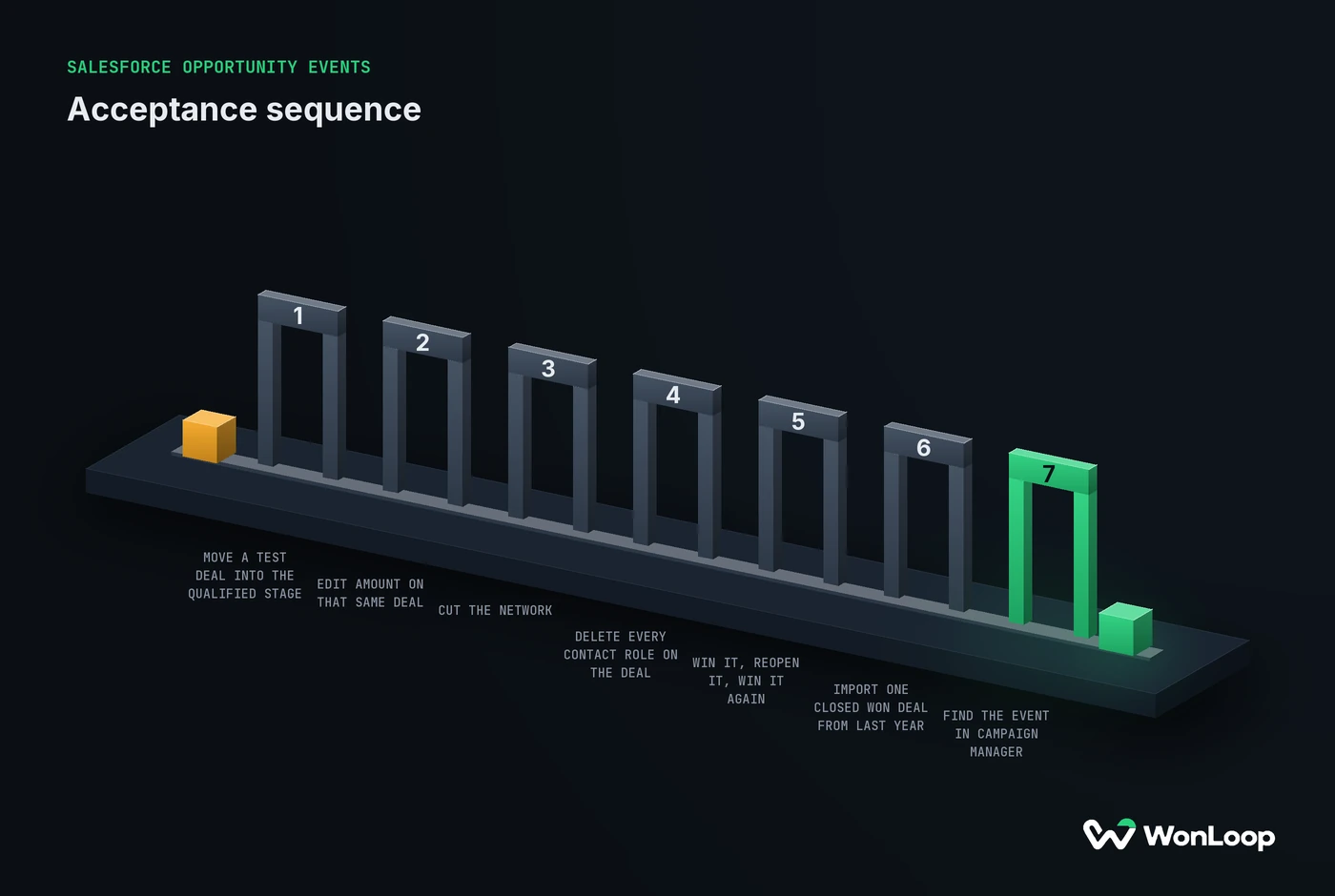
One clean win in a sandbox proves the pipe is open, and nothing about the five cases above. Run each on a test deal. Write down what you expect before you look:
SALESFORCE OPPORTUNITY EVENTS
acceptance sequence
7 steps
Move a test deal into the qualified stage.
Expect one event in the ledger.
Edit Amount on that same deal.
Expect no new event.
Cut the network and let the sync retry.
Expect the same event ID and time.
Delete every contact role on the deal.
Expect the event held for review.
Win it, reopen it, win it again.
Expect the re-entry rule to decide.
Import one Closed Won deal from last year.
Expect it tagged as migration.
Find the event in Campaign Manager.
Expect receipt, not proof of credit.
Step 7 is the one teams skip. A 201 from the API means the request passed validation. It does not mean the event matched a member, got credit for a campaign, or moved cost per opportunity. Those are four separate checks. Log what you can see at each layer, and mark the rest as unverified.
The bottom line
A LinkedIn Ads Salesforce integration needs rules before it needs a connector. Fire on the change, not the state. Build each event once and reuse it on every retry. Hold deals with no contact role instead of guessing a person. Decide what a reopened deal means before one happens. Keep imports out of the live flow. Then run the seven-step test.
That scope is what LinkedIn Signal Repair covers: a fixed price, 14 days, and the wiring from your CRM stages back into Campaign Manager. We do not redesign your Salesforce org. We answer one narrow question: can a real sale reach LinkedIn once, on time, tied to a person, without being lost or counted twice?