

LinkedIn Conversions API: The Complete Implementation Guide
The LinkedIn Conversions API moves conversion tracking server-side so events survive ad blockers and cookie loss. This guide covers the full wiring: rules, server events, CRM import, deduplication.
Checking your own setup? Run the free LinkedIn Insight Tag Checker to inspect browser requests before reviewing account-side attribution.
Most B2B ad accounts on LinkedIn learn from only a fraction of their own conversions. The browser pixel fires when a form is submitted. Ad blockers, iOS privacy settings, cookie expiry and cross-device browsing eat a meaningful share of the rest. The LinkedIn Conversions API fixes the plumbing instead of the campaign: it sends conversion events server-to-server, from your infrastructure to LinkedIn. Paired with offline conversion import, it lets the platform learn from the deals your CRM closes rather than the forms your website collects. This guide gives the entire method away. It is the same sequence behind our own methodology, because the method is not the product. The wiring is.
The algorithm can only optimize against the signal it receives. A pixel-only account hands it a biased sample and calls the result performance.
What the LinkedIn Conversions API actually does
The Conversions API is a server-to-server interface for reporting conversions to LinkedIn. Instead of waiting for a browser event, your server sends a POST request each time a conversion happens — a form fill, a demo booked, a deal stage change — and LinkedIn attributes it to the member who saw or clicked your ad. LinkedIn’s own overview documents the interface here.
Two things happen on the match. First, the event carries hashed identifiers — a SHA-256 hashed email, and where available the li_fat_id, the click identifier LinkedIn’s Insight Tag stores in the browser at ad click. Second, the event lands against a conversion rule you define in Campaign Manager, which means it can represent anything: a form fill, a sales-qualified lead, an opportunity, a closed deal.
The Insight Tag stays installed. The tag still captures the click identifier and fires browser-side events; the Conversions API adds the events the browser never sees. This is an addition, not a replacement.
Why pixel-only tracking breaks B2B accounts
The failure chain is mechanical. Blocked and lost browser events mean the account under-reports its conversions. An algorithm learning from an under-reported, biased sample converges on whatever still fires — fast form-fills, not necessarily good leads. Cost per conversion drifts upward for reasons no dashboard explains. The dashboard is measuring the sample, not the population.
B2B adds a second problem the pixel cannot solve at any blocker rate. The conversions that matter happen weeks after the click, inside the CRM, on a device that never touched the ad. A form fill is an event. An opportunity is a judgment. The browser only ever sees the first one.
What you need before you start
None of this is exotic, but all of it is mandatory:
Campaign Manager admin access — conversion rules live under Account Assets, then Conversions. The Insight Tag installed on every landing page, because it is what captures li_fat_id at click time. Documented CRM stage definitions. If marketing and sales disagree on what an SQL is, settle it before you aim an algorithm at it. A way to POST on stage change: a HubSpot workflow webhook, a Salesforce Flow, or any integration platform. And someone comfortable hashing an email address correctly: lowercase, trim, then SHA-256.
Step 1: audit what fires today
Before adding anything, export what exists. In Campaign Manager, open Account Assets and then Conversions. If you would rather have someone else read the export, the free tracking check does exactly this pass. List every rule, its counting method, its data source, and which campaigns point at it.
Three findings are common. View-through and click-through conversions double-counted as separate rules. Rules counting “every” event where “one” was intended. And campaigns pointed at rules no server or pixel has fired in months. The audit takes an hour and determines everything downstream — it is the highest-leverage hour in this guide, and it is the first of the five checks worth running before you hire anyone.
Step 2: build conversion rules that map to revenue
Create one rule per CRM stage that matters, named so a stranger could read a report six months from now. Leave existing form-fill rules in place during migration; you will deduplicate later, not delete.
| CRM stage | Conversion rule | What bidding toward it teaches the algorithm |
|---|---|---|
| MQL | Qualified lead | Which audiences produce leads sales accepts |
| SQL | Sales accepted | Which creative generates real meetings |
| Opportunity | Pipeline created | Which campaigns create pipeline, not activity |
| Closed-won | Revenue | Which spend produced revenue — the CFO’s question |
The mapping above is the spec for everything that follows. Every server event you send is just this table, executed.
Step 3: send the server-side events to the LinkedIn Conversions API
There are two routes: build the direct integration against the documented API, or use a LinkedIn Marketing Partner platform that has already built it. Direct gives you control and one less vendor; partner is faster if your stack is standard.
Every event carries the same fields: the conversion rule it belongs to, the event time, a value and currency, the hashed email, the li_fat_id if your landing pages captured it, and an order-style event ID you will reuse for dedup. Mind the conversion window — LinkedIn rejects stale events, and the current documentation puts that window at 90 days. Send stage changes when they happen, not in a quarterly batch.
Step 4: wire offline conversion import from the CRM
This is the single highest-leverage, least-implemented piece of LinkedIn measurement. Pushing CRM stages back into the platform means what the algorithm bids toward and what the business counts as success become the same object. LinkedIn’s own guidance on measuring offline conversions covers the platform-side mechanics.
In HubSpot, build a workflow that fires on deal stage change. It calls your sender with the deal’s hashed contact email, the stage, and the timestamp. In Salesforce, a Flow does the same job. The mapping table from step 2 is the configuration. Match quality is honest about its limits: direct form fills match best because you have the email; anonymous site traffic matches through the click identifier. Push daily — stale uploads decay into noise.
Step 5: deduplicate against the pixel
Once server events flow, the pixel and the API will both report the same form fill. Undeduplicated, your conversion counts inflate, your cost-per-conversion lies in the flattering direction, and the algorithm chases a fiction.
The documented fix is two conversion rules, not one: a browser rule and a server rule for the same conversion, both associated with the same campaigns, both carrying the shared event ID from step 3. When LinkedIn sees the same eventId arrive from both sources on the same account, it discards the Conversions API event and counts the Insight Tag one.
Verify it the boring way, in the conversion breakdown. Both rules should appear. The Insight Tag rule should out-count the server rule, because the duplicates were deducted from the server side. Two rules reporting identical counts means the event ID is not shared, and nothing is being deduplicated at all.
Step 6: verify, then point the algorithm at revenue
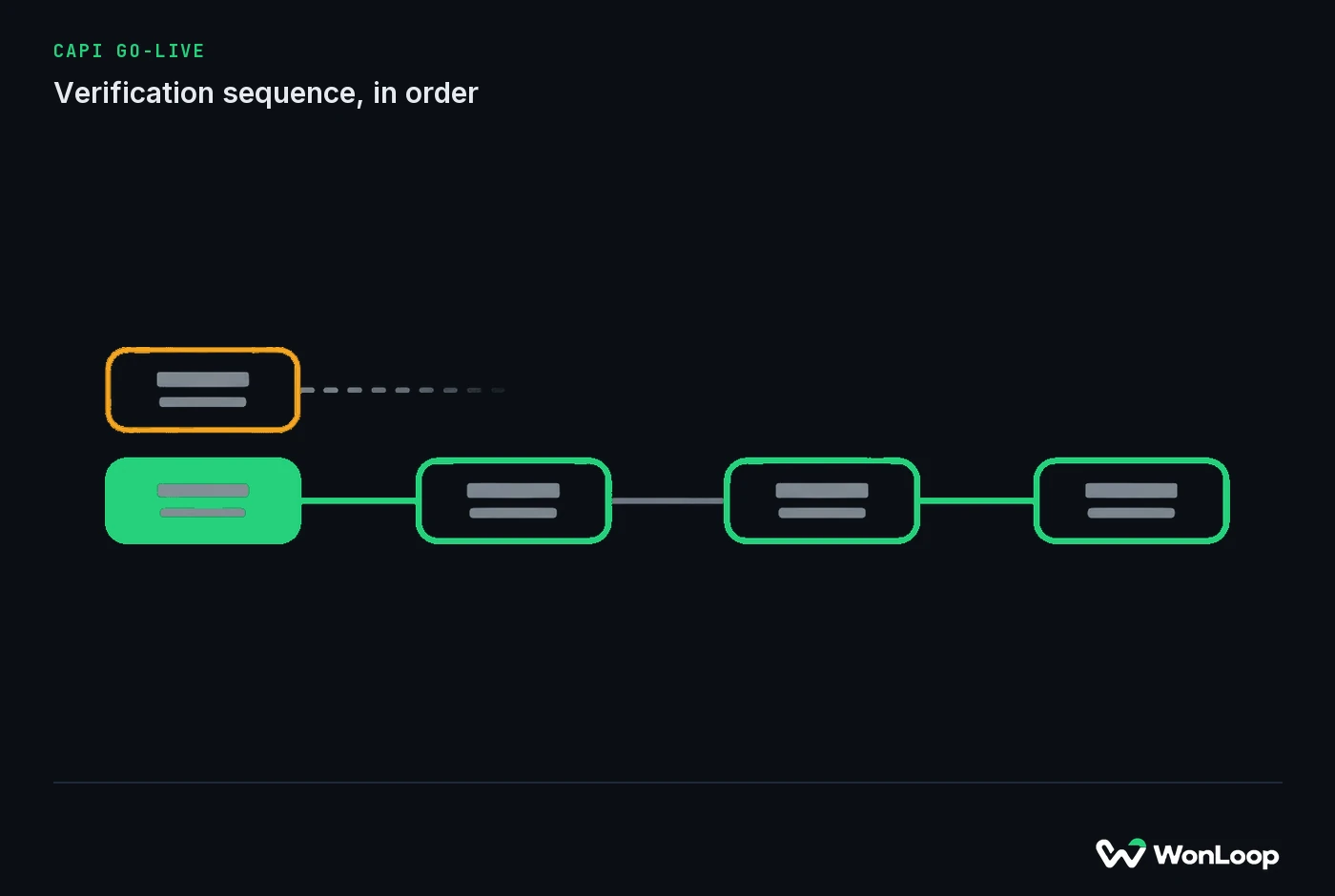
Run the sequence below in order. It is the same verification we run before calling any implementation finished:
CAPI GO-LIVE
verification sequence, in order
6 steps
Campaign Manager, Account Assets, Conversions: every rule shows server-side events in the last 7 days, data source reading Direct API
Submit one test form fill.
The two rules count it ONCE between them. Identical counts mean the event ID is not shared, and nothing is deduplicating.
Move a test deal through MQL, SQL, opportunity in the CRM.
Each stage lands as its own conversion within 24 hours.
Stage timestamps sit inside LinkedIn's 90-day window.
Switch ONE campaign's optimization event from form fill to Sales accepted.
Not all campaigns. One.
Write down the date.
Learning restarts. Judge delivery and cost per conversion after ~50 events, not before.
That last number is arithmetic, not opinion. LinkedIn’s learning phase needs roughly 50 conversion events per campaign per month before delivery stabilizes — about $5,000 per campaign per month at a $100 cost per lead. This is also why the go-live sequence changes one campaign at a time: every change to a campaign’s target event resets learning, and six simultaneous resets on a split budget starves every campaign at once.
What it costs to do it yourself
Honestly: a competent marketing operations person can complete steps 1 through 5 from this page. The elapsed time is weeks, not hours. Not because any step is hard, but because verification waits on real traffic and real stage changes. The edge cases — hash formats, dedup IDs, stale list hygiene — are exactly where do-it-yourself wiring quietly fails while the dashboard shows green.
If you would rather hand the wiring to someone who runs this sequence every month, that is what LinkedIn Signal Repair is: the same method, 14 days, fixed price, with a guarantee stated in recovered conversion volume rather than satisfaction. If you do it yourself instead, this guide is complete, and we consider that a fair trade.
The bottom line
The LinkedIn Conversions API plus offline conversion import is the difference between an account that chases form fills and one that chases revenue. The mechanism is simple: send the platform the conversions the browser loses, deduplicate them against the pixel, then move the target event up the funnel one campaign at a time. Nothing in this guide is withheld; nothing in it requires us — the signal checker runs the first half of it without talking to anyone.
If the diagnosis sounds like your account and the wiring sounds like something you would rather buy than borrow, start with Signal Repair. Or read why a healthy cost per lead can hide a 0.4% close rate first. Either way, fix the signal before you touch the campaigns. Everything downstream is guesswork until then.